Cash is dying in Shenzhen. Over 95% of merchants, from convenience stores to street food vendors to the metro, accept mobile payment as their primary method. Some won't accept cash at all.
If you arrive without Alipay or WeChat Pay set up, you'll struggle to buy food, take taxis, or even enter the metro. This is the single most important preparation step before your trip.
Cross-Border Payment in Shenzhen: What Works in 2026
Two things work here, and you want the second one set up before you land.
Your physical card now works in far more places than older guides suggest — but mostly in hotels, large retail and ATMs.
A QR payment app with your foreign card linked is what actually gets you through a normal day: street food, taxis, the metro, convenience stores, small restaurants. This is the default outside big retail, and it is the thing worth preparing.
2026 update: foreign card acceptance here has improved a lot, largely because Shenzhen is preparing to host APEC in November 2026. As of mid-2026, roughly 41,000 merchants accept overseas bank cards across about 51,000 POS terminals, more than 40 overseas e-wallets (PayPal, Singapore's LiquidPay and Thailand's K PLUS among them) now work for QR payments, and over 3,600 ATMs take foreign cards. Your physical card will work in more places than older guides suggest. QR payment is still the default outside hotels and large retail, so set up an app anyway.

The Two Options: Alipay vs WeChat Pay
Both work almost everywhere in Shenzhen. For short visits, you only need one.
Alipay (支付宝), Recommended for tourists
- Easier setup with foreign credit cards
- Better English interface
- More widely accepted for international users
- Works with Visa, Mastercard, JCB, Discover
WeChat Pay (微信支付)
- Requires WeChat app (which you may already have for messaging)
- Slightly more complex verification process
- Useful if you already use WeChat regularly
Our recommendation: Set up Alipay first. It's simpler and covers 99% of situations. Add WeChat Pay only if you need it.
Setting Up Alipay (Step by Step)
Step 1: Download and Register
Download Alipay from the App Store or Google Play. Open the app and register with your phone number (any country number works, you'll receive an SMS code).
Important: Do this before you leave for China. The registration process is smoother with unrestricted internet access.
Step 2: Add Your Passport (do this first — it gates everything else)
Real-name verification is mandatory, and it has to clear before you can link a card at all. People often try to add the card first, hit a wall, and assume their card was rejected. It wasn't; the account simply is not verified yet.
It also governs your spending limits. An unverified account is capped low enough to be useless on a real trip; once a passport clears, the ceiling is far above anything a visit needs.
Go to Me → My ID (or search "Real Name Verification"). You'll need to:
- Enter your full name (as shown on passport)
- Enter passport number
- Take a photo of your passport's main page
- Take a selfie for facial recognition
Verification usually takes 1–5 minutes. Sometimes it takes up to 24 hours, do this at least a day before your trip.
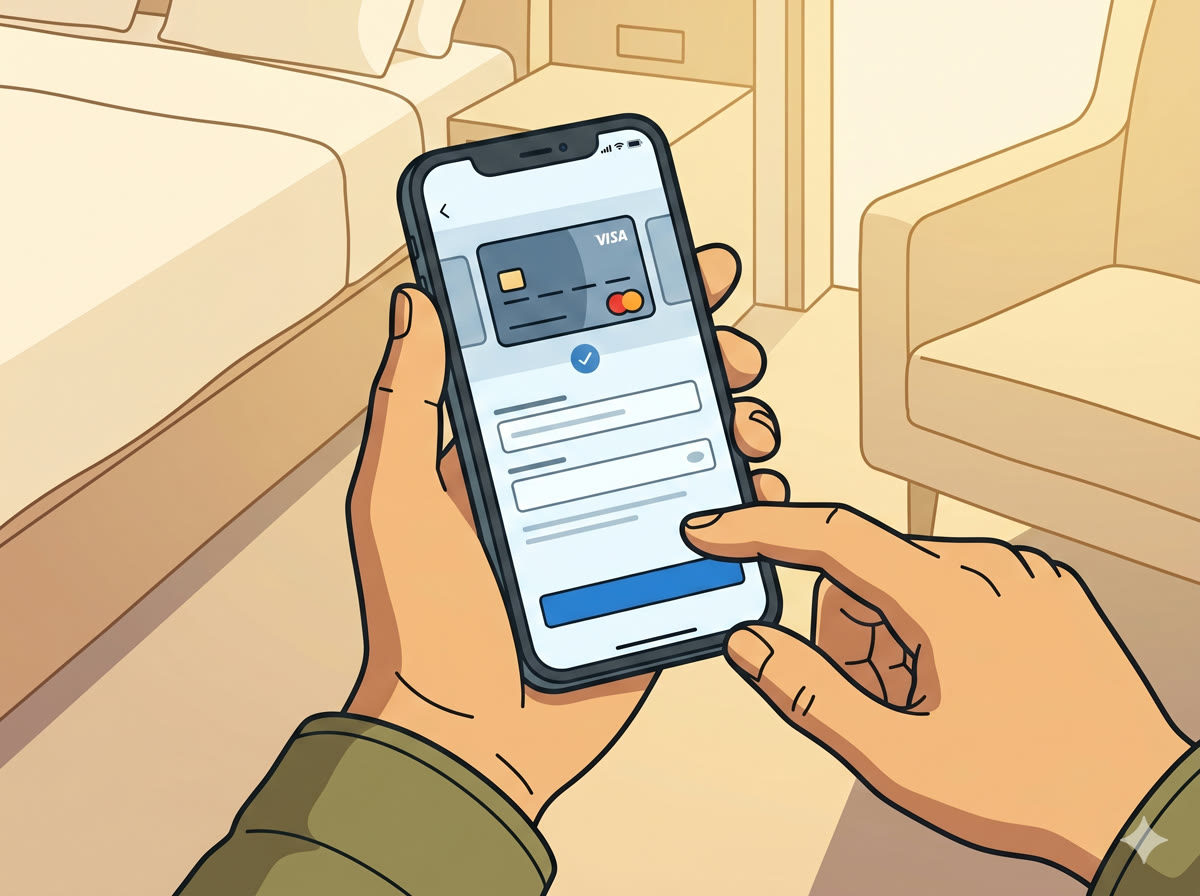
Step 3: Link Your Credit Card
Go to Me → Bank Cards → Add Card. Enter your Visa or Mastercard details. Alipay accepts most international credit and debit cards.
Supported cards — credit or debit, issued outside mainland China:
| Network | Works? |
|---|---|
| Visa | Yes |
| Mastercard | Yes |
| American Express | Yes, with a catch — see below |
| JCB | Yes |
| Discover | Yes |
| Diners Club | Yes |
| UnionPay (issued outside the mainland) | Yes |
If your card is on a network not listed, just try adding it. Alipay validates the number as you type and tells you immediately whether it is accepted.
The American Express catch. Amex only became bindable in February 2025, and support does not cover the whole network: cards issued by Amex's partner banks rather than by American Express itself are not supported. In a number of countries the local Amex is a partner-issued card, so "I have an Amex" does not settle the question. Test it before you fly.
UnionPay here means a UnionPay card issued outside mainland China. A mainland-issued card is a different thing entirely and is not what this guide is about.
Whichever network you hold, bring a second card. Issuer-side approval varies between banks even on supported networks, and finding out at a noodle stall is not the moment. A Visa or Mastercard as backup costs nothing to carry.
Step 4: You're Ready to Pay
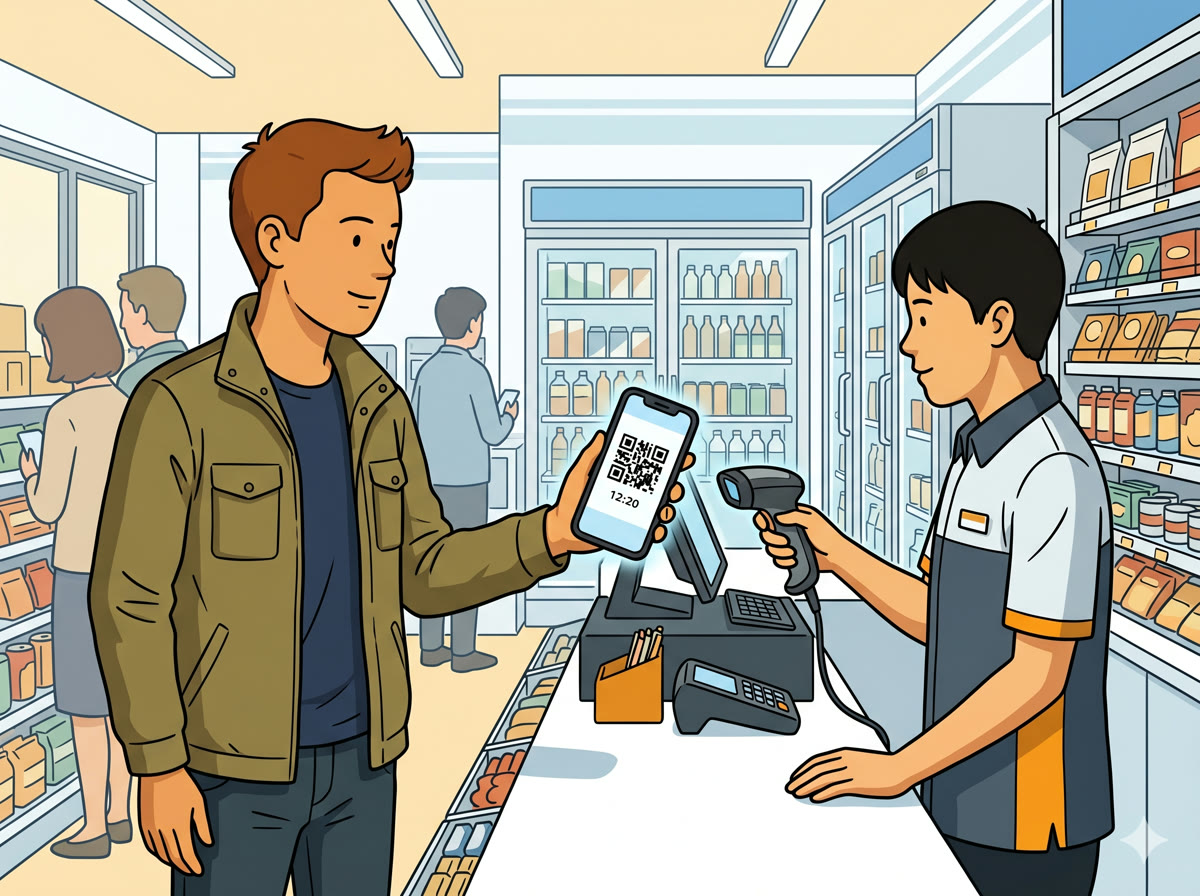
When you're at a merchant, open Alipay and either:
- Scan the merchant's QR code (most common), tap the scan icon, point at their code
- Show your payment code, tap "Pay" to display a barcode for the merchant to scan

💡 Quick Tip: Always keep ¥200–300 in cash as backup. Some older vendors and parking meters still require it.
Setting Up WeChat Pay (Alternative)
If you prefer WeChat or already use it for messaging:
- Open WeChat → Me → Services → Wallet
- Tap Cards → Add a Card
- Enter your card details and passport information
- Complete facial verification
The process is similar to Alipay but requires an existing WeChat account with some history (new accounts may face restrictions).
Is There a Fee for Paying With a Foreign Card?
Yes, above a threshold — and a lot of guides still say there isn't.
Payments of ¥200 or less: no service fee. Payments above ¥200: a 3% service fee applies.
In practice this covers more than it sounds. Street food, coffee, metro rides, convenience stores and most single restaurant bills fall under ¥200, and those cost you nothing extra. The 3% shows up on larger things — a hotel bill, an electronics purchase, a big group dinner.
Two ways it gets cheaper:
- UnionPay cards issued outside the mainland are exempt from the service fee.
- Alipay has run promotional waivers for newly bound cards — as of 2026 a new user gets the 3% waived on up to ¥1,000 of daily spending for 90 days after their first payment. Promotions change; treat any waiver as a bonus rather than something to plan around.
On top of that, your own bank may charge a foreign transaction fee, typically 1–3%. That is between you and your card issuer and has nothing to do with Alipay. A card with no foreign transaction fees is worth using here.
Spending limits
Limits depend entirely on whether real-name verification has cleared. Before verification, the account is capped low enough to be unusable for a real trip. After verification with a passport, the ceiling is far above anything a normal visit requires.
Published figures vary between sources and Alipay adjusts them, so rather than quoting a number that may be wrong by the time you read this: complete verification, then check the limit shown in the app under Me → Bank Cards. That figure is the one that governs your account.
Why Was My Card Declined?
"Payment failed" or "Risk control":
- This usually happens on first use or large transactions
- Try a smaller amount first (buy a ¥5 drink to test)
- Make sure your card has international transactions enabled
- Call your bank to authorize China transactions if needed
"Card not supported":
- Try a different card (Visa works more reliably than Mastercard in some cases)
- Use a debit card instead of credit card (or vice versa)
- As a last resort, withdraw cash from an ATM
"Verification required":
- You may need to re-verify your identity after a period of inactivity
- Repeat the passport verification steps
No internet connection:
- Alipay needs internet to process payments
- Get an eSIM before you arrive, see our eSIM guide →
Common Questions
Can I use Apple Pay in Shenzhen? Apple Pay works at some merchants that accept UnionPay QuickPass, but coverage is inconsistent. Alipay is far more reliable.
What about cash? Cash (RMB) is still accepted at most places, but some vendors will refuse it or make change difficult. Carrying ¥200–300 as backup is smart.
Can I send money to friends? Yes, Alipay supports peer-to-peer transfers. Both parties need verified accounts.
How do I get a refund? Refunds go back to your original payment method within 1–7 business days. Request through the merchant or Alipay's transaction history.
Is it safe to link my card? Alipay uses bank-level encryption. The bigger risk is losing your phone, enable biometric lock on the app (Settings → Security → Touch ID/Face ID).
What if my phone battery dies? This is why carrying backup cash matters. Some merchants can look up your account by phone number, but this is rare.
Related Guides
- Best eSIM for Shenzhen →, You need internet for mobile payment to work
- Hong Kong to Shenzhen Guide →, Set up Alipay before crossing the border
- Huaqiangbei Electronics Guide →, Where to use your new payment setup