When you cross into mainland China, Google Maps stops working. So does WhatsApp, Instagram, YouTube, and Gmail, blocked at the network level. An international eSIM is the simplest fix: your traffic routes through servers outside China, so all your usual apps keep working. No VPN needed.
How this guide was put together, and what it isn't. I live in Shenzhen and cross the border regularly, but I'm on a Chinese domestic plan, so I have not personally tested these eSIMs. Everything below is compiled from provider documentation and independent testing published in 2026, and I've said where the numbers come from.
One thing worth knowing before you read any eSIM comparison, this one included: most "we tested them all" eSIM sites earn a commission on whichever product they rank first. That doesn't make their testing worthless, but it's a reason to check more than one source. I currently earn nothing from the links here. If that changes, this note changes with it.
Quick Decision: Which eSIM Should I Buy?
| Your situation | Recommended | Price | Notes |
|---|---|---|---|
| Cheapest option | Saily | From $4.49 | Lowest price here, and longer validity per plan |
| 1–3 day trip | Airalo | From $5 | Longest budget track record in China |
| 4–7 days typical use | Nomad | From $9 | Strongest published China testing |
| Working off a laptop | Saily or Airalo | From $4.49 | Both allow tethering; Saily's is unmetered |
| Heavy data user | Holafly | From $27 | Unlimited, but check the tethering limits below |
What Is an eSIM, and Why Do You Need One in China?
An eSIM is a digital SIM card built into your phone. Instead of physically swapping a SIM card, you scan a QR code and the eSIM profile is installed directly onto your phone. You can run your home SIM and the eSIM simultaneously, one for calls, one for data.
Why international eSIMs work in China: The ones that work use international roaming agreements with Chinese carriers. Your traffic enters China's network but exits through an international gateway before hitting the firewall, so Google, WhatsApp, and YouTube work normally.
The ones that don't work are eSIMs that assign you a domestic Chinese IP. Those are subject to the same blocks as local SIMs.
Check before buying: The product description should mention something like "works without VPN in China," "Hong Kong routing," or "international roaming."
Step 0: Check Your Phone Is eSIM-Compatible

iPhone:
- Go to Settings → Cellular
- Look for "Add eSIM" or "Add Data Plan"
- Present → compatible / Missing → not compatible
Android:
- Go to Settings → Network & Internet → SIM cards
- Look for "Add eSIM" or similar option
If your phone isn't compatible: Buy a physical SIM card at any electronics store near the border crossing, or use your hotel Wi-Fi plus a VPN downloaded before you entered China.
The Four Best Options
Nomad, Best Overall
Price: From US$9 for 3GB / 15 days (recommended: US$15 for 5GB / 30 days) Best for: Trips of 4+ days, anyone who wants reliability without thinking about it
Nomad routes through a Singapore exit gateway, which is the reason it tends to score well on China tests: independent testing in April 2026 across Shanghai and Shenzhen measured around 190ms latency, 99% uptime, and a median download speed near 54 Mbps — comfortably enough for maps, messaging and video calls. Google Maps and WhatsApp video were confirmed working without a separate VPN.
The honest caveat on coverage: that same testing found the connection stable outdoors, but noted the signal sometimes dropping indoors and falling back to 3G. And it isn't universal — there are user reports of Nomad failing in China outright, including one plan that stopped working after four days in Shanghai. No eSIM is a guarantee.
Their APAC plan covers China plus Hong Kong, which is genuinely useful if you're crossing back and forth.
Saily, Best Value
Price (from Saily's own site, checked 9 September 2026): US$4.49 for 1GB / 7 days · US$10.99 for 3GB / 30 days · US$15.99 for 5GB / 30 days · US$26.99 for 10GB / 30 days · US$49.99 unlimited (5–30 days, your choice of window) Best for: anyone comparing on price, and anyone who needs to tether
Saily is the newest of the four, launched in 2023 by Nord Security — the company behind NordVPN. That lineage is the reason it gets taken seriously despite being new.
On price it is simply the cheapest here, and the gap is wider than the headline suggests: its 3GB and 5GB plans run 30 days, where Airalo's comparable plans run 15. Plans also carry a 180-day activation window, so buying early costs you nothing.
Published China testing is strong. Testing across Beijing, Shenzhen and Shanghai over a 14-day period in 2026 reported WhatsApp, Google Search and Netflix all working without a VPN, 5G held consistently with only occasional drops to LTE, and unlimited tethering — one plan covering a group. Gizmodo ranks it first for China.
Saily's own warning, quoted from their China page: "Due to local restrictions, access to the Saily app may be limited in China."
Read that carefully. The data works; the app may not open once you are inside the country. So buy the plan, install the profile and confirm it works before you fly — if you need the app to fix something after you land, you may not be able to reach it. This is the same trap covered below, but here the provider says it themselves.
Why it isn't ranked first here: it is the newest provider of the four and has the thinnest track record in China specifically. The price and the published tests are both real; there is simply less accumulated evidence than for Nomad or Airalo. If price is your deciding factor, this is the one.
Airalo, Best Budget Option
Price: From US$5 for 1GB / 7 days (recommended: US$10 for 3GB / 15 days) Best for: Short trips (1–3 days), budget travelers, and anyone who needs to tether a laptop
Airalo is the most well-known eSIM marketplace. For a quick Shenzhen day trip or weekend, the smaller plans are usually sufficient.
The tethering point matters more than people expect. Airalo almost always allows hotspot sharing, so you can work off a laptop. If you're here on business and plan to use your phone as your laptop's connection, this is the practical reason to pick Airalo over Holafly.
Important: Buy the China-specific plan, not a "Global" plan. Global plans often route differently and may be less reliable inside China.
Holafly, Best for Heavy Data Users
Price: From US$27 for unlimited / 7 days Best for: Video calls, uploading content, people who don't want to track data usage
If you're going to be on Maps and video constantly, the unlimited plan removes the counting-megabytes anxiety.
Two caveats that "unlimited" hides:
- Hotspot is the catch. Most Holafly plans don't let you share your connection with a laptop at all, and the ones that do cap it at roughly 1GB a day. If tethering matters to you, this is the wrong product regardless of price.
- "Unlimited" is throttled. Speeds can drop once you've used a certain amount, and Holafly doesn't publish the threshold. You won't know where the ceiling is until you hit it.
Side-by-Side Comparison
| Feature | Nomad | Saily | Airalo | Holafly |
|---|---|---|---|---|
| Starting price | $9 / 3GB / 15d | $4.49 / 1GB / 7d | $5 / 1GB / 7d | $27 / unlimited / 7d |
| Recommended plan | $15 / 5GB / 30d | $10.99 / 3GB / 30d | $10 / 3GB / 15d | $27 / unlimited / 7d |
| Laptop tethering | Generally yes | Yes, unlimited | Yes | Mostly no; ~1GB/day where allowed |
| Data cap | By plan | By plan (unlimited option $49.99) | By plan | Unlimited, but throttled at an undisclosed point |
| Google / WhatsApp | ✓ | ✓ | ✓ | ✓ |
| Multi-country APAC | ✓ | 200+ destinations | ✓ | China only |
| Top-up in app | ✓ | ✓ (app may not open in China) | ✓ | ✓ |
| Track record in China | Longest | Newest | Long | Long |
I've dropped the "network speed" row that used to be here. All four run 4G/LTE and the real-world difference depends far more on where you are standing than on which logo is on the plan, so a one-word rating in a table was more confident than the evidence supports.
How Much Data Do You Actually Need?
| Usage | Daily data |
|---|---|
| Maps + messaging + light browsing | 150–300 MB |
| Social media (Instagram, etc.) | 300–600 MB |
| Occasional video calls | 500 MB – 1 GB |
| Video streaming | 1 GB+ |
3-day typical trip: 3–5 GB is plenty. If you're unsure, go for 5 GB, you can always top up in the app, but you can't get refunded for unused data.
When to Buy and Install
Buy: Any time before you leave. Both apps work globally.
Install: Do it before you cross the border, ideally in your hotel in Hong Kong, or at the airport. You need unrestricted internet to download the eSIM profile.
This is the one thing in this guide you cannot fix later. Once you are inside mainland China, you generally cannot install a foreign eSIM at all: the providers' sites and apps are blocked, and you need a working connection to pull down the profile in the first place. It's a chicken-and-egg problem, and arriving without it installed is the single most common way people end up stuck with no maps and no messaging.
Install it, and confirm it appears in your phone's settings, before you cross.
Activate: The eSIM activates automatically when your phone detects a Chinese carrier signal.
Step-by-Step Installation
Step 1: Buy Your Plan
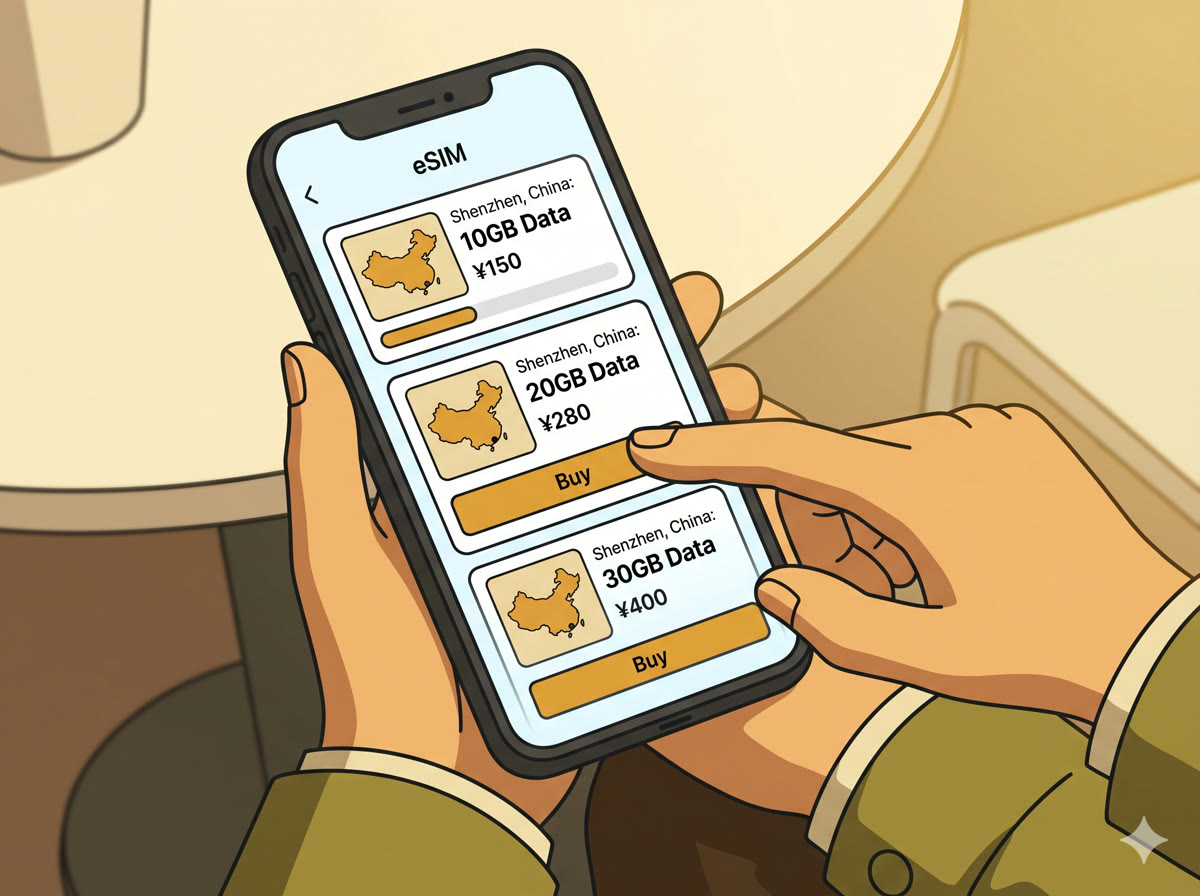
Download the Nomad or Airalo app (or visit their website). Select China or Asia Pacific, choose your data amount, and pay. You'll receive a QR code immediately, either in the app or by email.
Step 2: Install the eSIM Profile

On iPhone:
- Settings → Cellular → Add eSIM
- Tap "Use QR Code"
- Scan the code from your laptop screen (or from the app)
- Label it "China Data" when prompted
- Wait 1–2 minutes for installation
On Android:
- Settings → Network & Internet → SIM cards → Add eSIM
- Follow the QR scan prompts
Step 3: Set Up Dual SIM
After installation, your phone will ask which SIM to use for what:
- Default calls & SMS: Keep your home SIM
- Default data: Switch to the eSIM (China data plan)
- Enable data roaming: Turn on for the eSIM line
This way, you can still receive calls and texts on your home number while all internet traffic goes through the eSIM.
Step 4: Test in China

Once you cross the border, open Google Maps. If it loads, you're good. If not, check:
- Is the eSIM set as the default data line?
- Is "Data Roaming" turned on for the eSIM?
- Try toggling Airplane Mode off and on to force a network refresh
Troubleshooting
| Problem | Fix |
|---|---|
| No signal at all | Restart phone → check eSIM is enabled in Settings |
| Signal but no internet | Check Data Roaming is on for the eSIM line |
| Google still blocked | Confirm you're using eSIM data, not local Wi-Fi |
| Slow speeds | Force 4G/LTE mode in Settings → Cellular |
| Data running low | Top up directly in the Nomad / Airalo app |
FAQ
Can I make phone calls with an eSIM? No, eSIMs from Nomad/Airalo are data-only. Use WhatsApp or WeChat calls over the eSIM data. Keep your home SIM active for regular calls (you may incur roaming charges from your home carrier for calls, but data goes through the eSIM).
Can I receive SMS verification codes? Not through the eSIM. If you need SMS verification (some Chinese apps require this), you'll need your home SIM active, which may incur roaming SMS charges from your home carrier.
Do I need a VPN? No. That's the point of an international eSIM, the traffic routing bypasses the firewall. Google, WhatsApp, Instagram all work directly.
What if I arrive in China and haven't installed it yet? You're stuck until you find working Wi-Fi (hotel lobby, sometimes). Some hotel lobby Wi-Fi is routed internationally and may let you access the eSIM provider's site, worth trying. Otherwise, buy a physical SIM at a carrier store near any major shopping mall.
Can two people share one eSIM? No. Each eSIM is tied to one device.
What happens after my data runs out? Your internet stops until you top up. Do it in the app, no reinstallation needed.
Related Guides
- Hong Kong to Shenzhen: Border Crossing Guide →, install the eSIM before you cross here
- Alipay & WeChat Pay setup →, the other thing to sort out before you arrive
- Shenzhen Metro guide →, you'll want working maps for this
- How to use DiDi →, needs a live data connection to book
- Huaqiangbei Electronics Market Guide →, where to buy a physical SIM if your phone isn't eSIM-compatible
- APEC 2026 visitor guide →, if you're here for the November window